
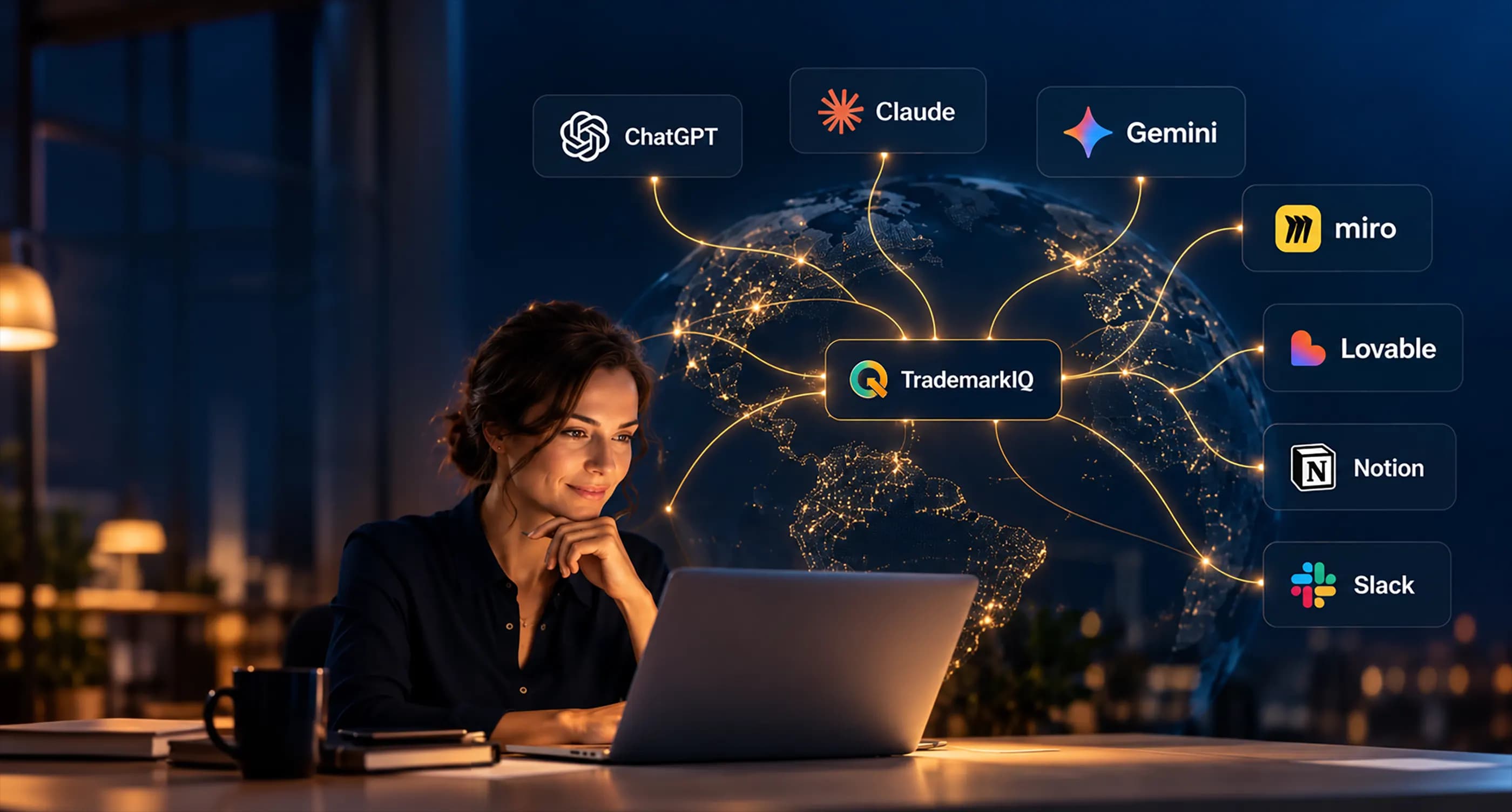
Brazil INPI trademarks in ChatGPT, Claude, Grok and GeminiTrademark intelligence, now inside your AI.
Ask in plain language and get TrademarkIQ trademark data inside Claude, ChatGPT, Codex, Grok and Gemini.
- INPI data updated with every RPI issue
- Brazil and 90+ offices today, expanding worldwide
- Questions in plain language
What becomes possible
Ask your AI. It checks TrademarkIQ.
See what already exists
Find out whether similar trademarks exist, with owner, status and the trademark image.
Choose the classes
Say what your business sells and get the right classes to register in.
Measure the risk
See the conflict risk of your name, class by class, before you spend on registration.
Look abroad
Check similar trademarks in the United States, Portugal, Europe and the Americas.
Follow the RPI
Learn what INPI published in the latest gazette: grants, refusals, oppositions.
Understand the market
See how many applications are filed, in which sectors and which firms lead.
Search patents
Find Brazilian (INPI) patents by topic, company or number and read the claims of each one.
Follow court cases
See trademark lawsuits across all Brazilian courts and the decisions of the higher courts.
Know what your plan includes
Before it searches, the AI already knows what your plan includes and how much of today's quota is left.
How to connect
Connect in a few minutes.
When Claude, ChatGPT or Gemini asks for the connector address, paste this:
https://mcp.trademarkiq.com.br
Claude
- A TrademarkIQ account with the connector in its plan
- An account on Claude
- Open claude.ai/customize/connectors and add a custom connector.
- Name it TrademarkIQ and paste the address above.
- Click Connect, sign in with your TrademarkIQ account and allow access.
- In a new conversation, turn on TrademarkIQ from the + menu, under Connectors.
ChatGPT and Codex (OpenAI)
The official plugin in the OpenAI directory is being prepared. For now, the connection is made as a custom connector.
- A TrademarkIQ account with the connector in its plan
- An account on ChatGPT
- In ChatGPT, open Plugins and add a custom connector.
- Name it TrademarkIQ and paste the address above.
- Sign in with your TrademarkIQ account and allow access.
- Turn the connector on in the conversation and ask your question.
Gemini (Google)
Availability depends on your Google account and region. The connection is made as a custom app.
- A TrademarkIQ account with the connector in its plan
- An account on Google
- At gemini.google.com, open Settings and then Connected Apps.
- Under Custom apps, choose Add a custom app and paste the address above.
- Approve the connection in the browser and sign in with your TrademarkIQ account.
- Turn the app on in the conversation and ask your question.
Examples
What you can ask.
Write as you would to a specialist. The AI understands, checks TrademarkIQ and answers with real data.
Does this name already exist?
“Which trademarks similar to Fitlume exist at INPI in class 25?”
You get: A list with application number, status, owner and the image of each trademark.
Which classes to register in?
“I have an online store of women's sportswear. Which classes should I register the trademark in?”
You get: The classes suited to your business, explained in plain language.
What is the conflict risk?
“What is the collision risk of Fitlume in classes 25 and 35?”
You get: The risk in each class and the existing trademarks that weigh most.
Is it worth registering?
“Can I register the trademark Fitlume for this business?”
You get: A diagnosis with the most limiting class and the next steps.
And outside Brazil?
“Does Fitlume already exist in the United States, Portugal or Europe?”
You get: Similar trademarks in each country, with similarity and status.
What came out in the RPI?
“What came out in the latest RPI? Show the refusals.”
You get: The issue summary and the list of acts, with a link to each trademark.
How is a class doing?
“How many applications are filed in class 25 and what is registered most in it?”
You get: The volume of trademarks and the most registered goods and services.
How is the market?
“Give me an overview of the Brazilian trademark market.”
You get: Totals, the trend of recent months, sectors and the most active firms.
Who leads?
“Which firms filed the most trademarks in São Paulo in 2025?”
You get: A ranking of firms, with the change from the previous year.
What is critical?
“What is critical for me in the next 15 and 30 days?”
You get: Expiries, opposition deadlines and litigation deadlines across your portfolio, most urgent first.
What is expiring?
“Which of my marks expire next month?”
You get: The marks in your portfolio with their expiry date and the days left.
RPI collisions
“What were the main collisions with my marks in the latest RPI?”
You get: The closest competing marks, with conflict level, holder and the deadline to oppose.
Litigation
“Any updates on litigation involving my marks?”
You get: Oppositions, nullity actions and appeals, with who filed them, the deadline and whether a response is missing.
How is my portfolio?
“Give me a summary of my trademark portfolio.”
You get: Totals by status, upcoming expiries, marks per office and unread updates.
Which patents does it hold?
“Which patents does Embraer hold at INPI, and what does the most recent one claim?”
You get: The company's patents by status and the claims of the application, with a link to the record.
My whole company
“Summarise my company's portfolio: trademarks, designs, software and contracts.”
You get: The company portfolio at a glance, with totals by status, upcoming expiries and each area on its own.
Who represents us?
“Which firms represent my company's trademarks, and how many marks does each have?”
You get: The attorneys of the company's marks, with the number of marks per firm.
Who threatens my marks?
“Are there companies registered with the Brazilian tax authority whose names look like the marks in my portfolio?”
You get: The threats found, with the company and the portfolio mark it threatens.
Court cases
“Are there lawsuits involving the marks in my portfolio?”
You get: The cases, with court, parties, status and the marks involved.
Clients with expiring marks
“Which of my firm's clients have marks expiring in the next 90 days?”
You get: The expiring marks, with the client who holds them and the expiry date.
Industrial designs
“Which industrial designs did Ambev file in 2025, and in which Locarno classes?”
You get: The company's designs, with date, status and Locarno class, and the record of each.
Patents in a field
“Which lithium battery patents have been granted in Brazil, and who filed them?”
You get: The granted patents, with applicant, IPC class and status, and the claims of any of them.
Reports and analyses the AI builds from this data cite TrademarkIQ as the source.
See the full guideSlack
TrademarkIQ inside Slackbot.
Install TrademarkIQ in your Slack and ask Slackbot about trademarks without leaving your team's conversation.
- “Is there a trademark similar to Baianear in class 43?”
- “What are the latest trademarks filed by this owner?”
- “How is the trademark market in Chile?”
64 tools: 62 read-only, one that runs guided filings in your TradeLink and one that sends your message to TrademarkIQ. Requires a Slack workspace with Slackbot/AI and a TrademarkIQ account with the connector in its plan.
Add to SlackSecurity
Your data and your account, protected.
Only who you authorize gets in
You sign in with your TrademarkIQ account and can turn the connection off whenever you want.
Included in the Enterprise plan
The connection is part of the Enterprise plan and uses your account's quotas.
Read-only
The AI reads the data. It does not file, change or delete anything on your behalf.
Privacy and data protection
We record only usage, as on the website, and follow the Privacy Policy.
See the Privacy Policy and the Terms of Use.
Claude is a trademark of Anthropic. ChatGPT, Codex and OpenAI are trademarks of OpenAI. Gemini is a trademark of Google. Names and logos are used only to show which services the connector works with.
Frequently asked questions
Brazilian INPI trademarks in ChatGPT, Claude, Grok and Gemini.
How do I search Brazilian INPI trademarks in ChatGPT?
Add TrademarkIQ as a connector in ChatGPT with the address https://mcp.trademarkiq.com.br and sign in with your account. Then ask in plain language, for example "is there a trademark similar to Pão Dourado in class 30?". ChatGPT checks the INPI trademark database through TrademarkIQ and answers with each application number.
Does TrademarkIQ also work in Claude, Grok and Gemini?
Yes. The same connector links Claude, ChatGPT, Codex, Grok and Gemini to your TrademarkIQ account. TrademarkIQ is listed in the connector directories of these assistants, the steps are on this page and the connection takes a few minutes.
What can I ask the AI about trademarks?
Prior and similar trademarks, which Nice classes to file in, conflict risk and the chance of registering a name, the status and history of an INPI application, what the latest RPI gazette published, the trademarks of a holder or competitor, and trademarks abroad.
Does the AI also search INPI patents and industrial designs?
Yes. Besides trademarks, the connector searches patents and utility models, industrial designs, intellectual property lawsuits and, for accounts with a portfolio in TrademarkIQ, the deadlines, renewals and conflicts of their own trademarks.
Is the data from INPI and is it up to date?
It is the complete INPI database, updated with every issue of the Revista da Propriedade Industrial (RPI), published on Tuesdays. Each answer carries the application number and a link to the record so you can verify it.
What is an MCP connector?
MCP (Model Context Protocol) is the standard that lets an AI assistant query an external data source with your authorization. The TrademarkIQ MCP connector is that bridge: the AI asks, TrademarkIQ answers with real trademark data, and nothing is answered from memory.
Does the AI's answer replace a lawyer or IP attorney?
No. The result is a risk analysis based on public INPI data. It informs the decision but is not legal advice nor a guarantee of registration; to file or contest a trademark, rely on a professional.
Start now
Your AI can work with trademark data.
Connect your AI to TrademarkIQ and have the trademark database one question away.